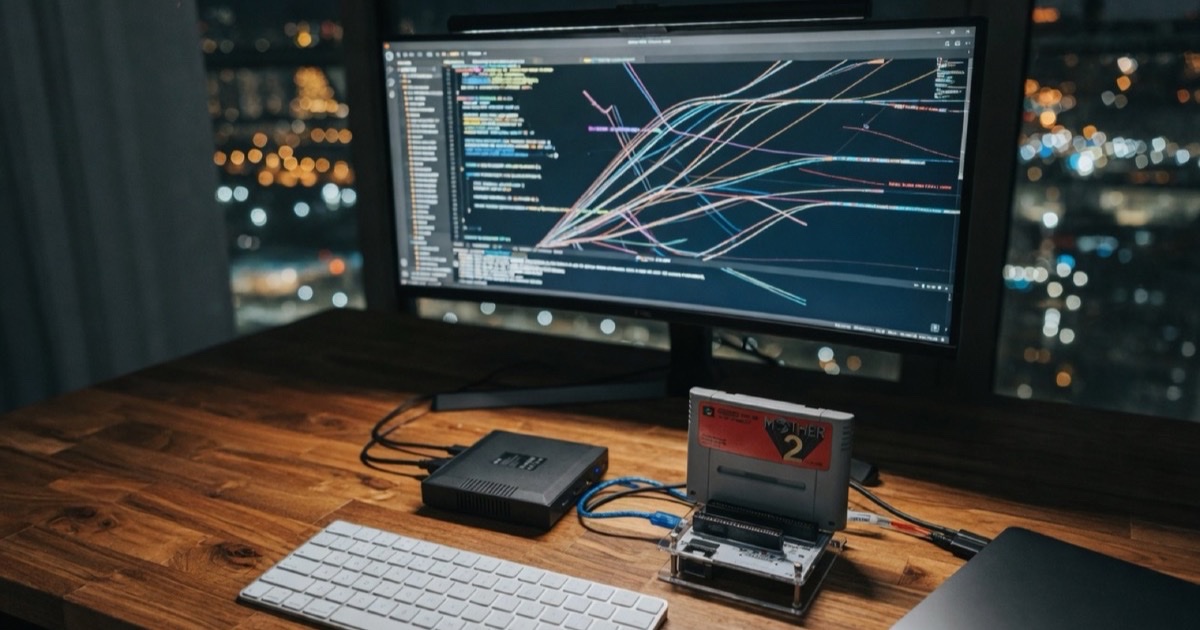
I bought a cartridge reader in Akihabara so I could dump and play SNES games from physical carts. The hardware is excellent — the open-source OSCR / Open Source Cartridge Reader community project — but the stock workflow is:
- Dump ROM to the reader’s SD card
- Pull the SD card
- Copy files on a computer
- Launch an emulator
No native UI for macOS or Android. So I fixed that.
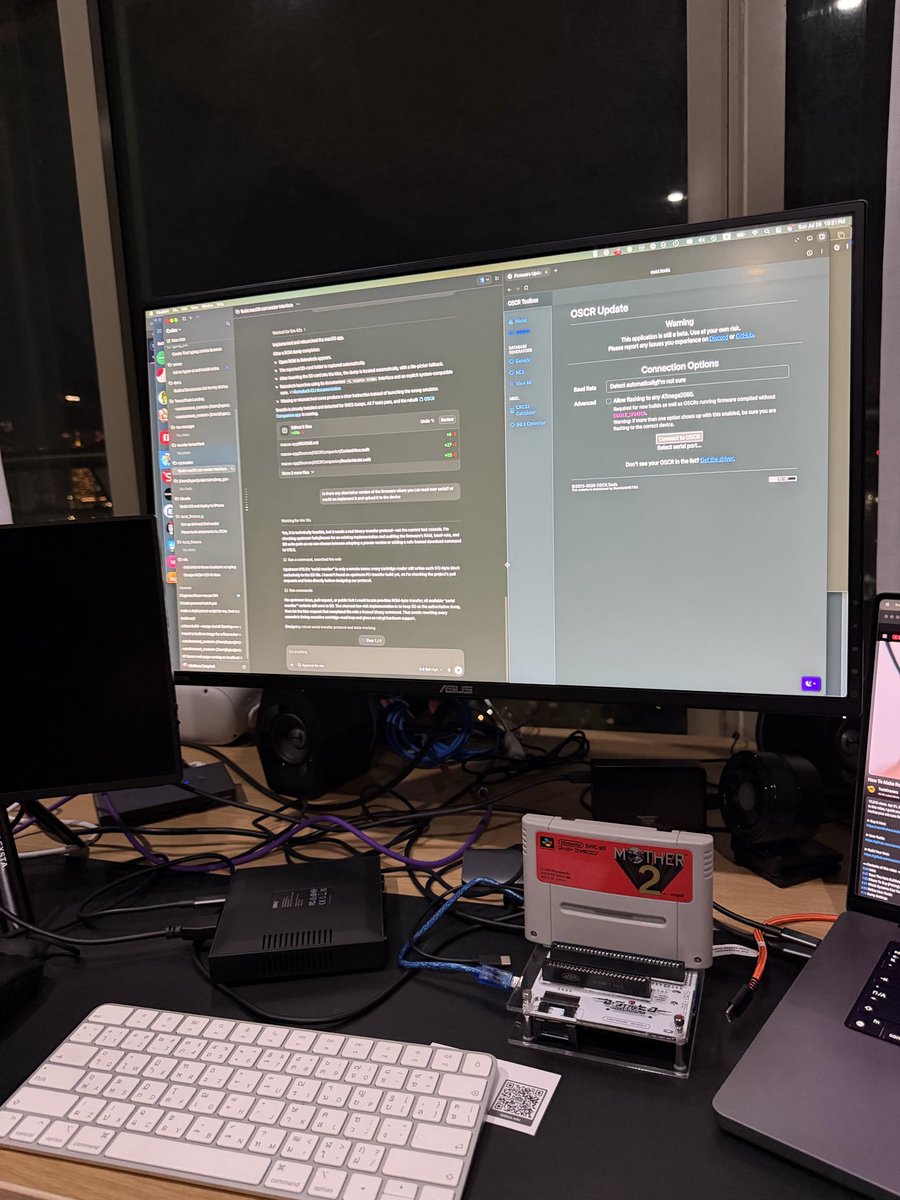 Off-the-shelf OSCR-style reader picked up in Akihabara.
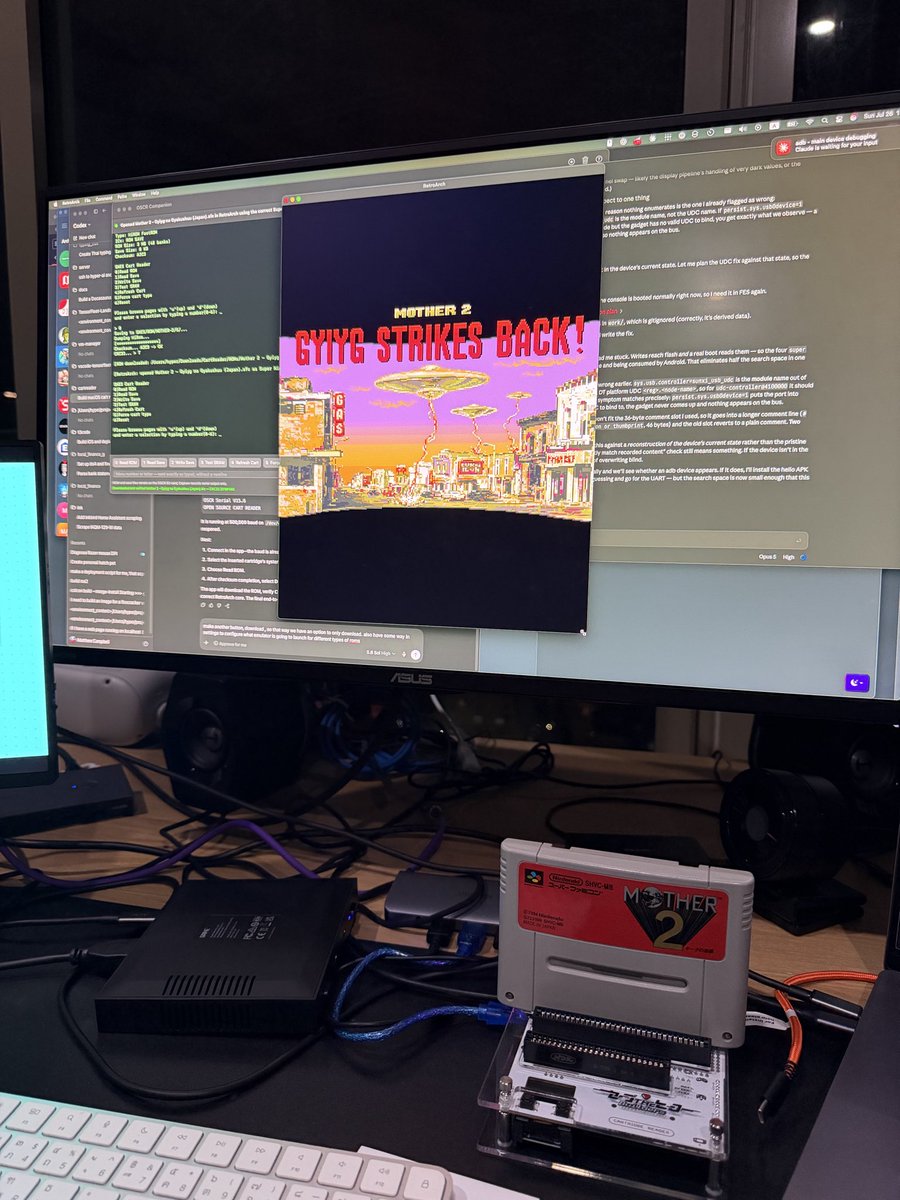 Cart in the slot — dump from the hardware, not from “ROMs on the internet.”
This post expands the thread I posted when the Android port went live (original tweet · Android follow-up).
The idea
Keep the SD card as the authoritative dump (same as upstream OSCR), but after a dump finishes, let a host request the file over USB serial — CRC-verified — then open RetroArch (or another emulator) on the computer or phone.
Fork lives at github.com/TensorFleet/cartreader (upstream is the sanni / oscartreader project). Companion apps are optional; the original stand-alone dumper remains the core.
Firmware: serial transfer protocol
Stock OSCR with SERIAL_MONITOR exposes a text menu over USB serial instead of (or in addition to) the OLED UI. I added a post-dump transfer path used by both companion apps.
After a ROM operation hits the Press Button prompt, the host sends a single byte T. The reader replies with a size-framed payload:
OSCRXFER1\r\n
NAME:<file name>\r\n
SIZE:<decimal byte count>\r\n
CRC32:<optional eight-digit whole-file CRC32>\r\n
DATA\r\n
<exactly SIZE binary bytes>
\r\nOSCRXFER1 END <eight-digit CRC32>\r\n
- CRC32: reflected poly
0xEDB88320, init/final XOR0xFFFFFFFF - Header CRC is optional when dump-time CRC skipped a container header (iNES, Lynx, …)
- Footer CRC is always over the exact
SIZEpayload and is authoritative - Partial files are never published if the connection drops or checksums disagree
Errors come back as one line, e.g. OSCRXFER1 ERR NO_ROM.
The custom serial-transfer build targets 115200 baud for sustained transfers that stay reliable on both macOS and Android USB hosts (CH340/CH341 and friends). Flash with SERIAL_MONITOR enabled and the right HW# commented out in Config.h — details in the repo.
macOS companion (SwiftUI)
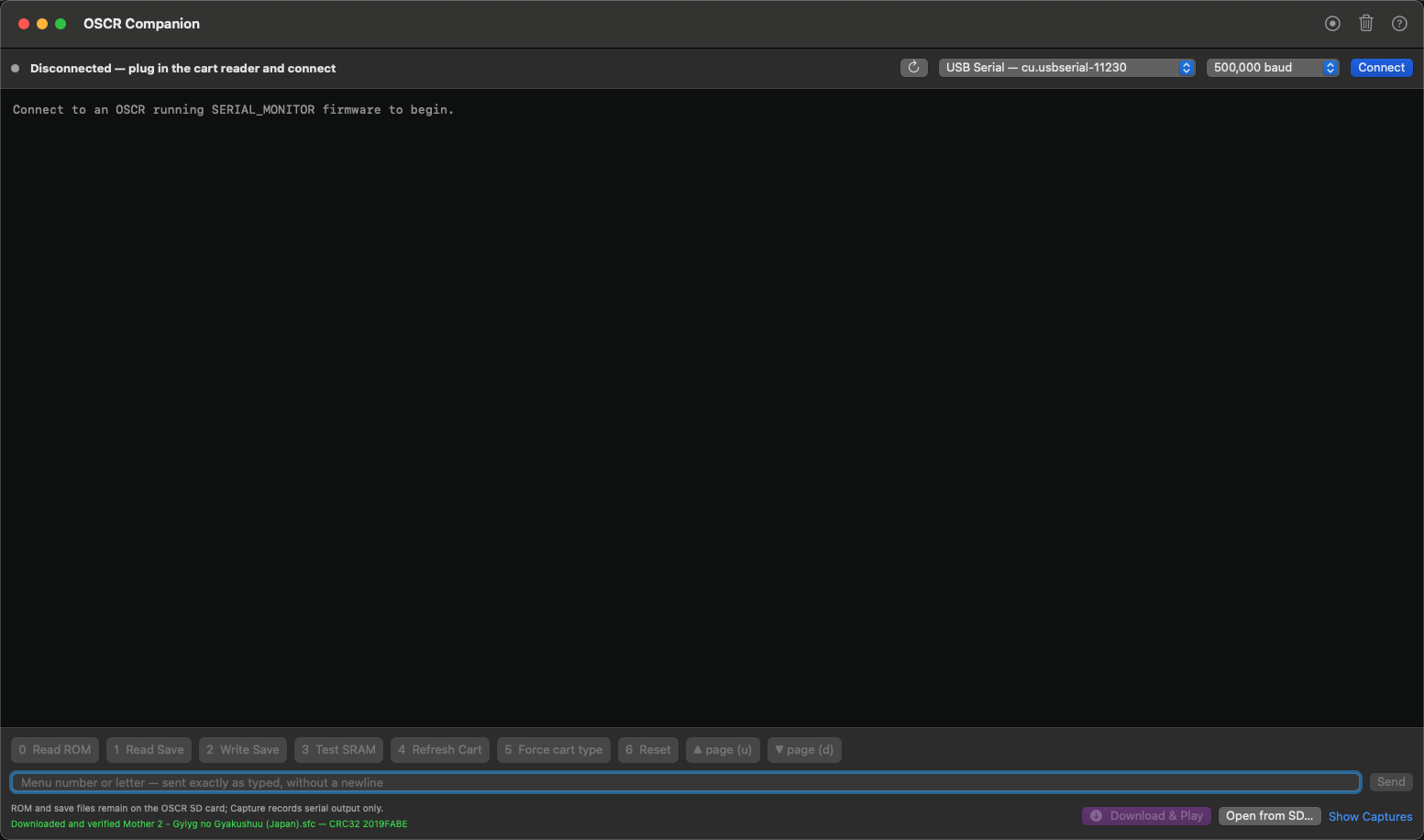 Native macOS app: serial console, parsed menu buttons, Download & Play.
OSCR Companion for macOS:
- Port picker for CH340/CH341, CH9102, CP2102, FTDI, Mega-style USB serial
- Opens 8N1, raises DTR/RTS (reader resets and reprints the menu)
- Parses menu lines into tappable buttons (same single-byte commands as typing)
- Download — stream ROM, verify CRC, save under
~/Downloads/CartReader/ROMs - Download & Play — same, then launch RetroArch with a mapped core, or a chosen
.app - Per-system emulator settings; Open from SD… for files already on the card
- Live serial tests can drive a real SNES dump end-to-end when
OSCR_LIVE_PORTis set
cd macos-app
swift run OSCRCompanion
# or
make app && open "dist/OSCR Companion.app"
Android companion (Kotlin)
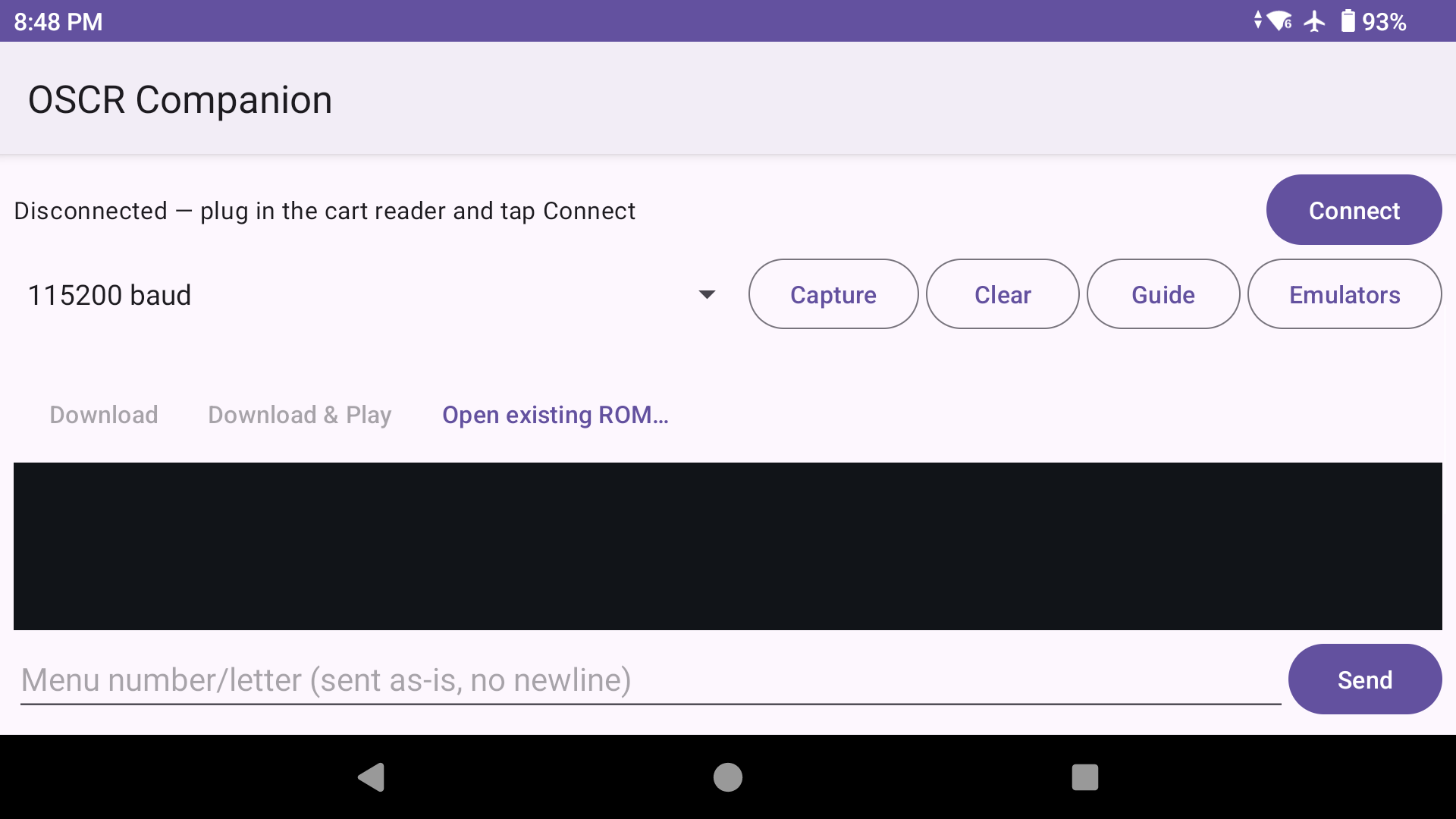 USB OTG: dump a cart and launch an emulator without moving the SD card.
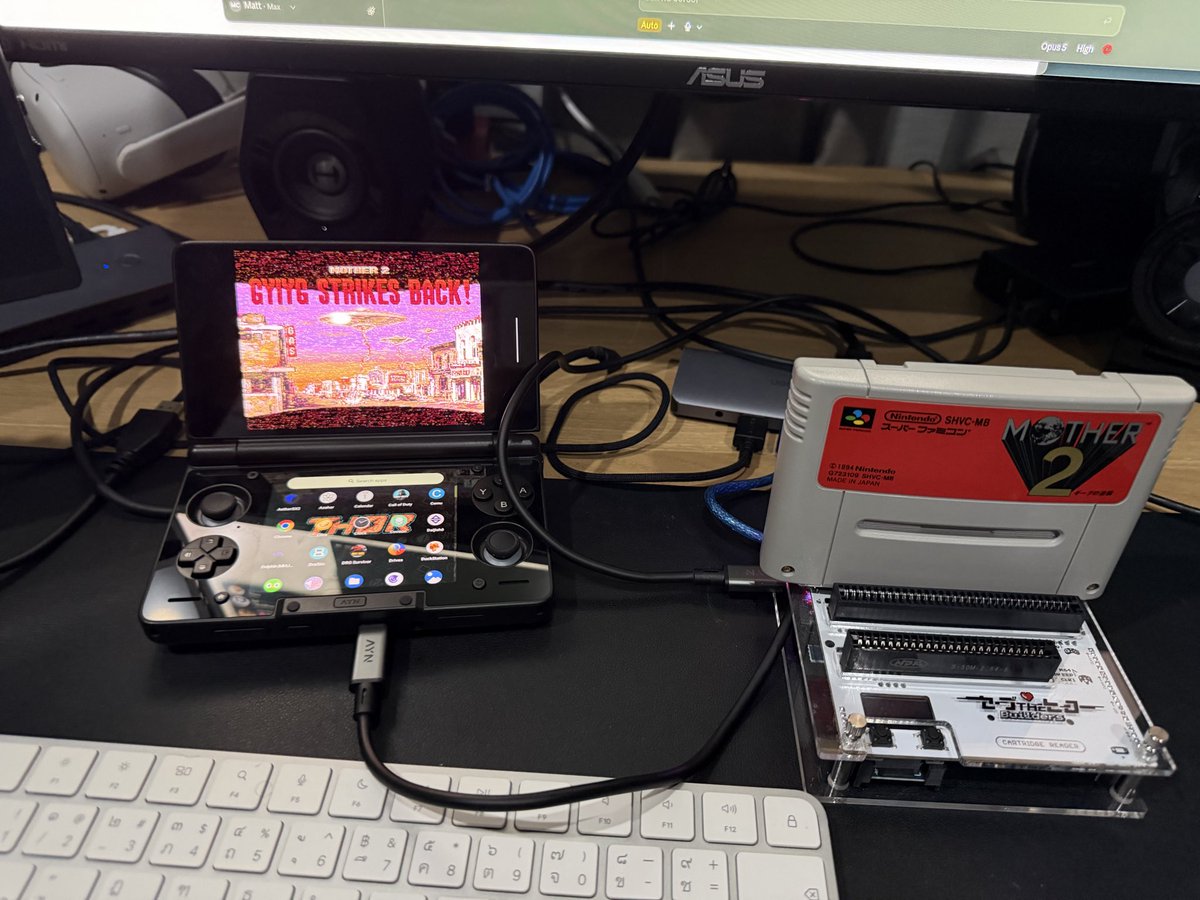 Phone + OTG + reader — stick any supported cart, read the ROM, play.
Same feature set on Android 8+:
- USB host / OTG with the common OSCR USB-UART chips
- Console + live menu buttons + baud selection (default 115200 for this firmware)
- Capture logs to
Downloads/CartReader/ - Download / Download & Play with CRC gate
- Per-system emulator choice (RetroArch core map, chooser, or specific app)
- CI builds publish installable APKs from GitHub Actions
cd android-app
gradle assembleRelease
Workflow that actually feels good
- Flash serial-transfer firmware once
- Insert cart (SNES, NES, GB/GBA, Genesis, N64, … depending on adapters)
- Connect reader to Mac or phone
- Navigate the menu from the companion UI
- When the dump finishes → Download & Play
- CRC matches → emulator opens
SD still holds the canonical copy. Serial is convenience, not a replacement for the card.
Why fork instead of only a host tool?
Upstream OSCR is deliberately SD-centric and stand-alone — great for portable dumping. Host GUIs need a stable, versioned transfer protocol and baud choices that don’t melt on phone OTG. Putting OSCRXFER1 in firmware keeps both apps thin: they speak the same framing, verify the same CRC, and stay out of low-level cart electrical work that sanni’s code already nails.
Related: PR discussion with similar projects — same problem space, different path (off-the-shelf OSCR + companions rather than a ground-up reader).
Links
| Fork | TensorFleet/cartreader |
| Upstream | sanni/cartreader → oscartreader |
| Protocol | docs/serial-transfer.md |
| macOS app | macos-app/README.md |
| Android app | android-app/README.md |
Dump your own carts. Respect copyright. This is about hardware you own and a smoother path from plastic to RetroArch — not about distributing commercial ROMs.
Next up on this site: more reverse-engineering write-ups (see the G’AIM’E light gun post).